
A little more outside.
Take the
long way home.
For the trail that catches your eye.
The ride that clears your head.
The mountain you finally know by name.
Your routes, recordings and mountain views.
Together in XPLO, for iPhone & Apple Watch.
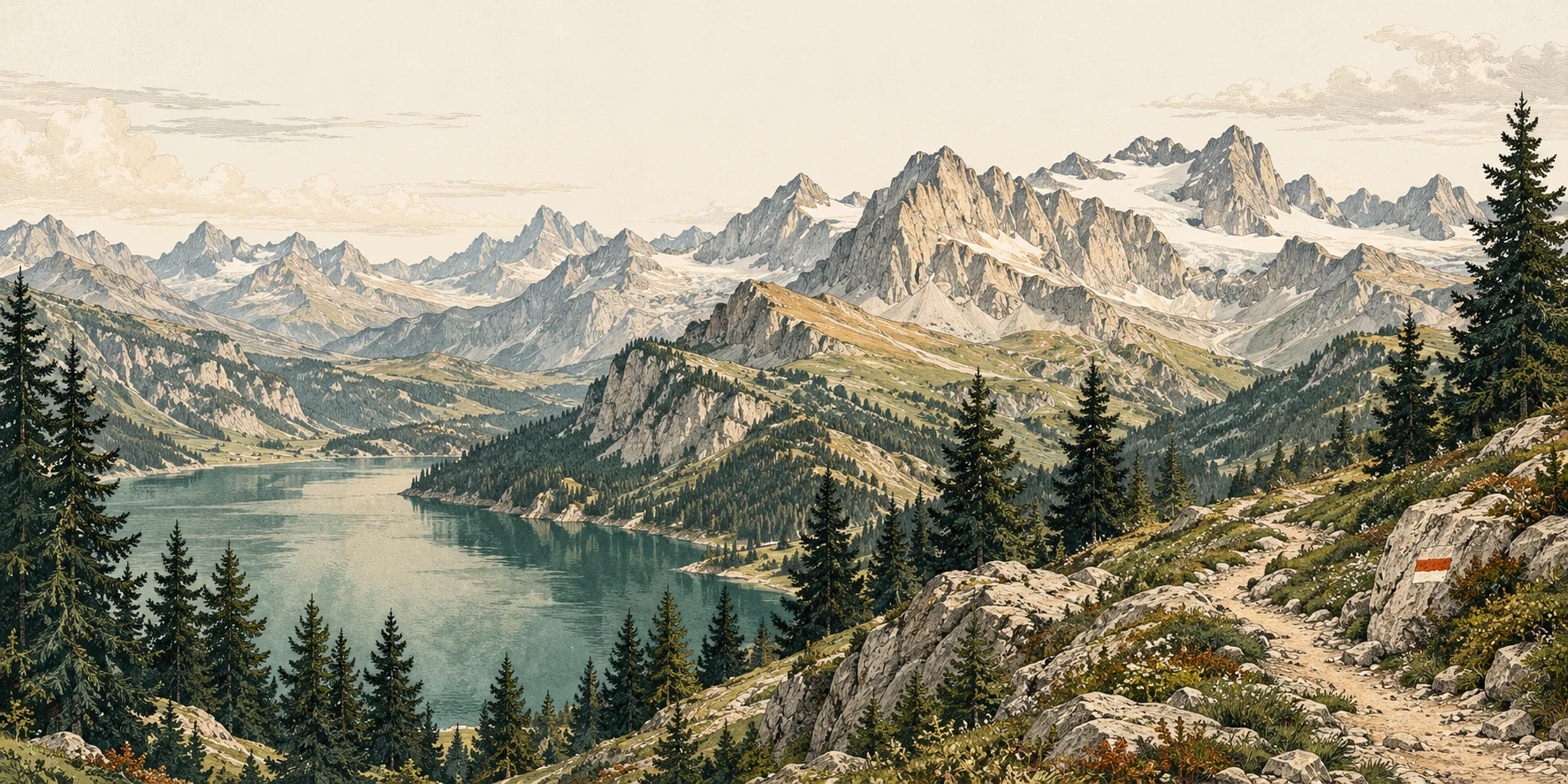
Less scrolling.
More sky.
01 / Find your way
Every good day
starts with a possibility.
A path to follow.
Room to wander.
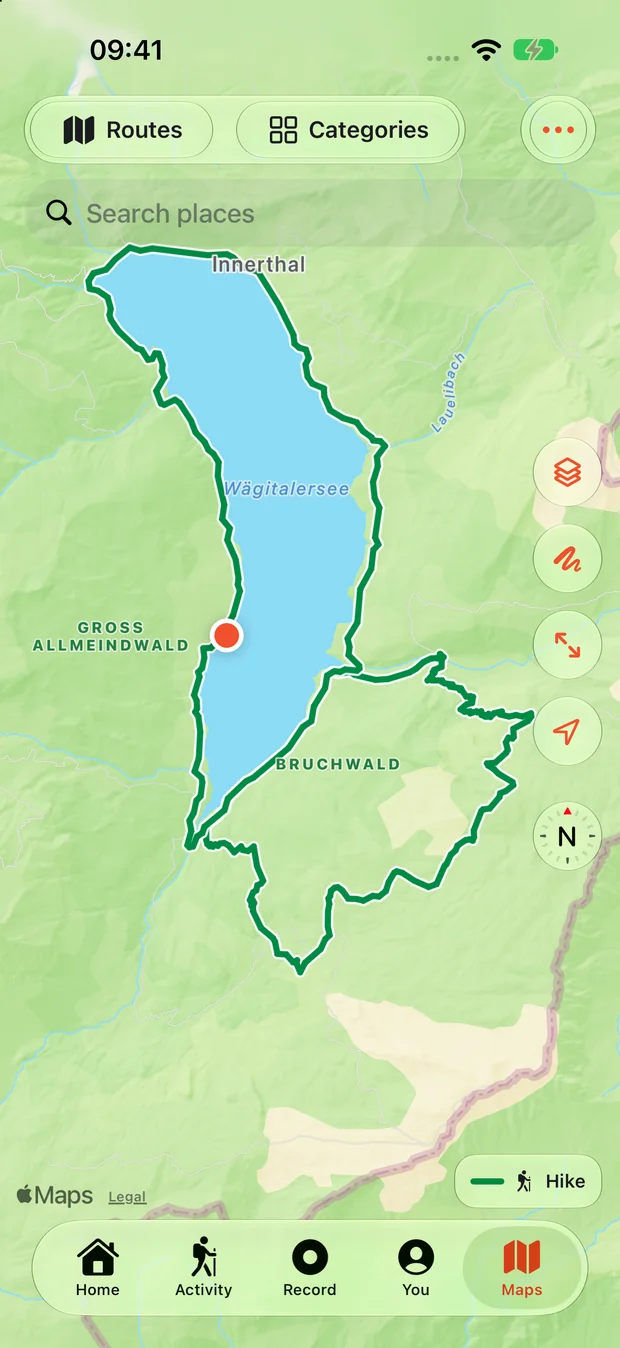
Build a hiking or cycling route around the places you want to see. Add a stop, study the climb, or import a favourite track.
Official Swiss cartography, useful map layers and nearby places help put the details in view. Save supported map areas before heading out of signal.
Explore the detailsOnline route planning needs a connection. Offline coverage depends on the selected source and completed download.
02 / In your pocket
Purpose, in
every view.
A closer look at the app
you’ll take outside.
A little local knowledge.
Find the useful things.
Water, huts, picnic spots, toilets, parking and more. Choose the places you want on the map, then make the day your own.
17 selectable place categories · OpenStreetMap dataMore about the app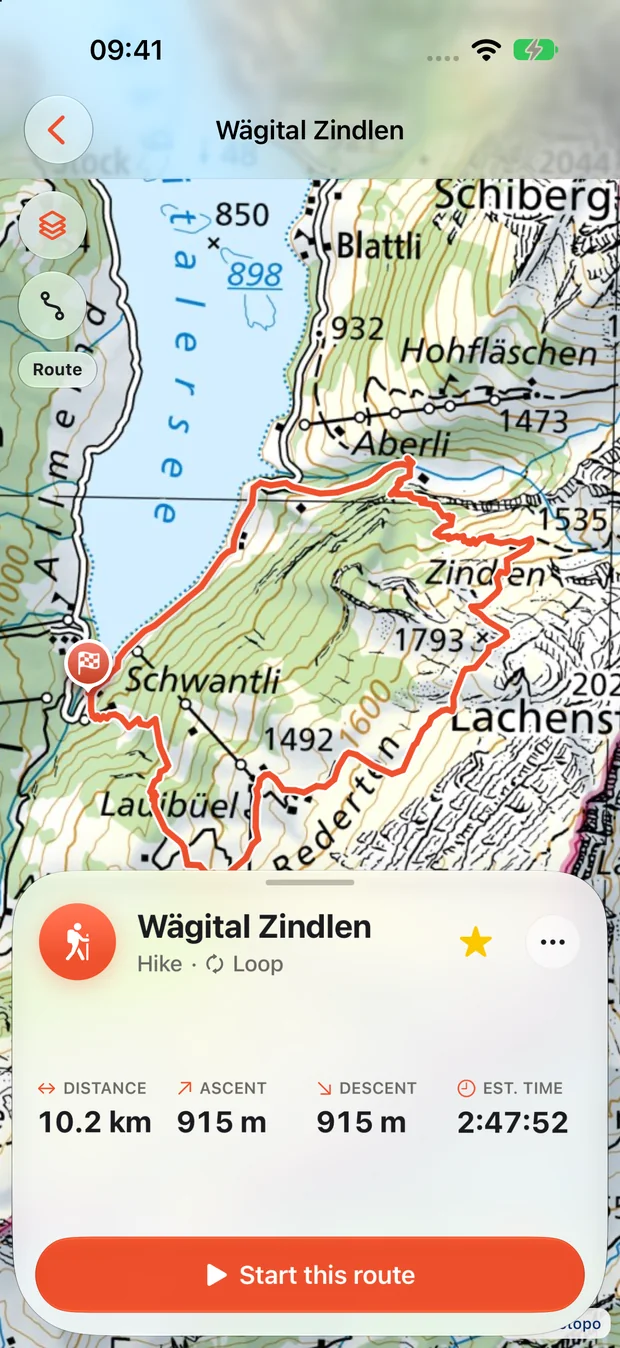
Make room for a detour.
A route with your name on it.
Draw a route, add stops or bring a file you already love. Look at the elevation and pick a path for the way you want to travel.
Hiking & cycling routes · GPX, KML, KMZ & GeoJSON importMore about the app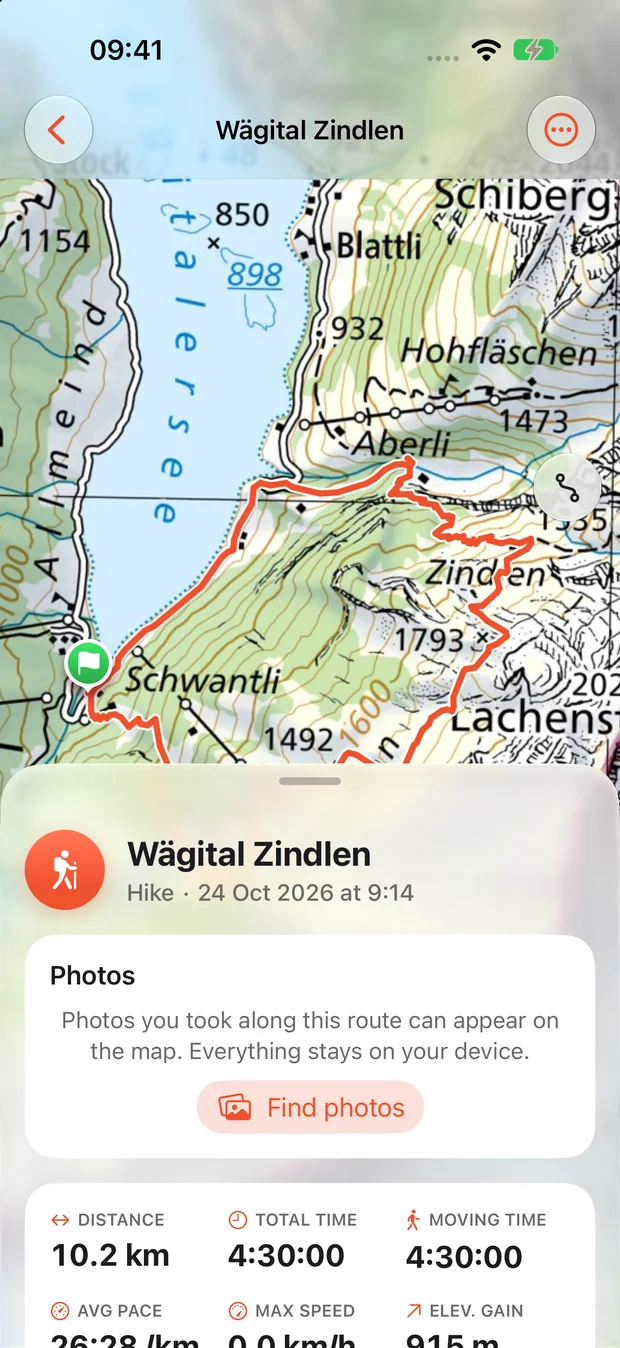
Keep a little of the day.
The ride. The climb. The story.
Record hikes, walks, runs and rides. Keep the track, time, distance and elevation together, ready to revisit or export.
Seven activity types · Optional Health & Watch connectionMore about the app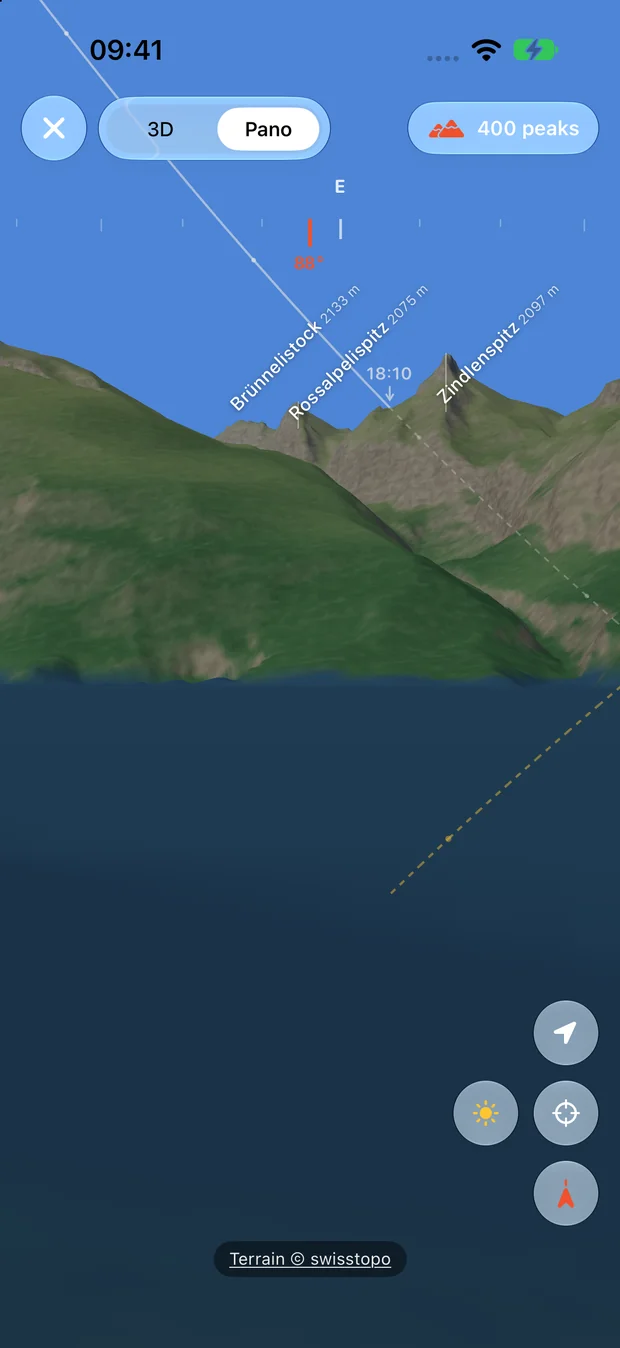
Get to know the skyline.
There is more up there.
Put names to nearby summits, explore a 3D view or sweep across a shaded mountain panorama. A different perspective on the place you are in.
AR · 3D · Panorama · Alignment depends on sensors and terrain dataMore about the appReal app captures, using a sample activity and published Wägital route. Map and terrain source credits remain visible in the app.
03 / Look a little higher
That peak
has a name.
Find another way to see the mountains. Point the camera towards the skyline, explore the landscape in 3D, or move through a shaded panorama.
Mountain views use available terrain, location and compass data. They are a visual aid; conditions and sensor alignment affect what you see.
Meet the mountain views A quieter kind of app
Your days outside.
Your own library.
Saved routes and activities live on your device. No XPLO account. No advertising feed. Optional Health connections stay under your control.
Maps, routing, weather and purchases still use online providers. This release has no iCloud library sync; keep exports of important records.
A simple arrangement
More time outside.
One less subscription.
Take your time.
Make it yours.
First, find your rhythm
30days
Try Premium, free.
Start your trial in the app. Explore for 30 days, with no automatic charge when it ends.
Then, keep going
CHF10*
One lifetime purchase.
Choose the one-time unlock to continue premium actions. No subscription. Your saved library stays viewable and exportable either way.
* Configured Swiss App Store price. Other countries use local pricing. The price and availability shown in the app before purchase apply.
A closer look at pricing01What can I record?
Hikes, walks, runs, road rides, gravel rides, mountain biking and e-bike rides. Save the route, distance, time and elevation together in your own activity library.
02Can I use XPLO offline?
Download a supported map area and its selected layers before leaving. Coverage depends on the source, area and zoom levels saved. Check the finished download before your trip. New route calculations, weather and other online services still need a connection.
03How does the 30-day trial work?
Start the trial in the app to try Premium for 30 days. There is no subscription and no automatic charge. Afterwards, choose a one-time lifetime unlock to continue premium actions. Your existing library remains available to view and export.
04Where does my activity data live?
Activities, routes and imported Health data stay in your local library. This release has no iCloud library sync. Maps, routing, weather, places and purchase validation still contact online providers. Export important records: sensitive library files are excluded from device backups.
05Can I bring my existing routes?
Yes. Import GPX, KML, KMZ or GeoJSON files. Export compatible tracks and courses as GPX, FIT or TCX. The fields supported depend on the format and the destination app or device.
06Do I need an account or Apple Health?
There is no XPLO account to create. Health is optional and permission-based; read and write access are separate choices. Apple handles purchases, with RevenueCat validating access.
07Which devices are supported?
The current release targets iOS 26.5 or later. The optional Apple Watch companion requires watchOS 26.5 or later. Some views need compatible hardware and the relevant location, camera or motion permission.
The next chapter is outside.
See you
out there.
XPLO for iPhone & Apple Watch.
App Store release in preparation.