
Inside XPLO / The field guide

A field guide.
In your pocket.

A route to look forward to.
A day worth keeping.
A mountain you know by name.

Planning, recording and a fresh perspective on the landscape. The practical things, together in XPLO for iPhone & Apple Watch.

Take a closer look
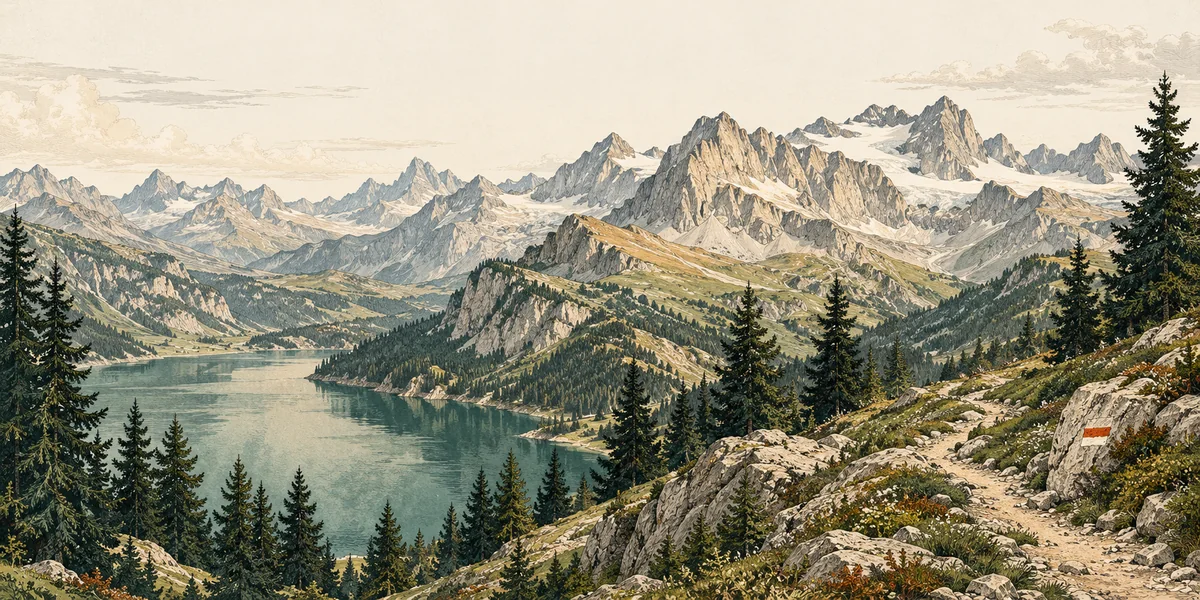
Etched alpine landscape illustration with a lake, pine trees and mountain ridges.
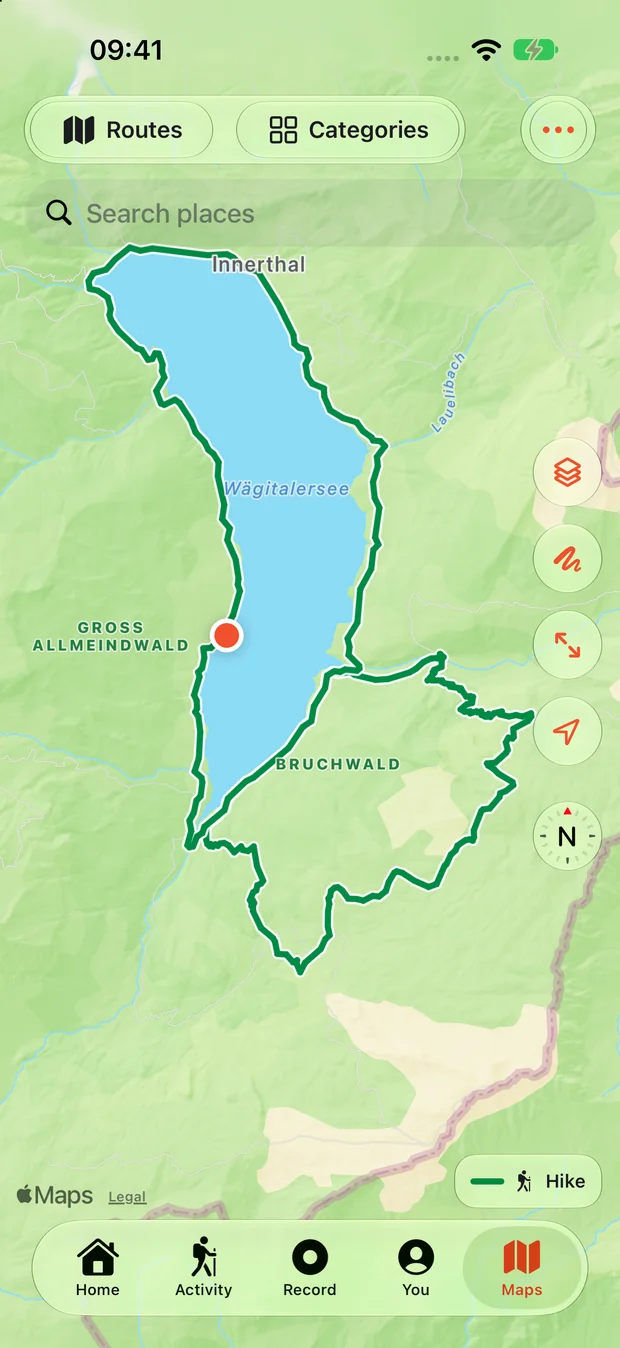
Actual XPLO map view with a sample Wägitalersee route and native map controls.
Real app. Room to explore.

01 / Route planning

Give the day
a direction.

Make a plan. Leave room for the unexpected.

Build a hiking or cycling route around the places you want to see. Add a stop, review the elevation, or bring in a favourite track.

  1. 01

    Choose the way.

    Draw your route and add the places you want to pass.

  2. 02

    Read the climb.

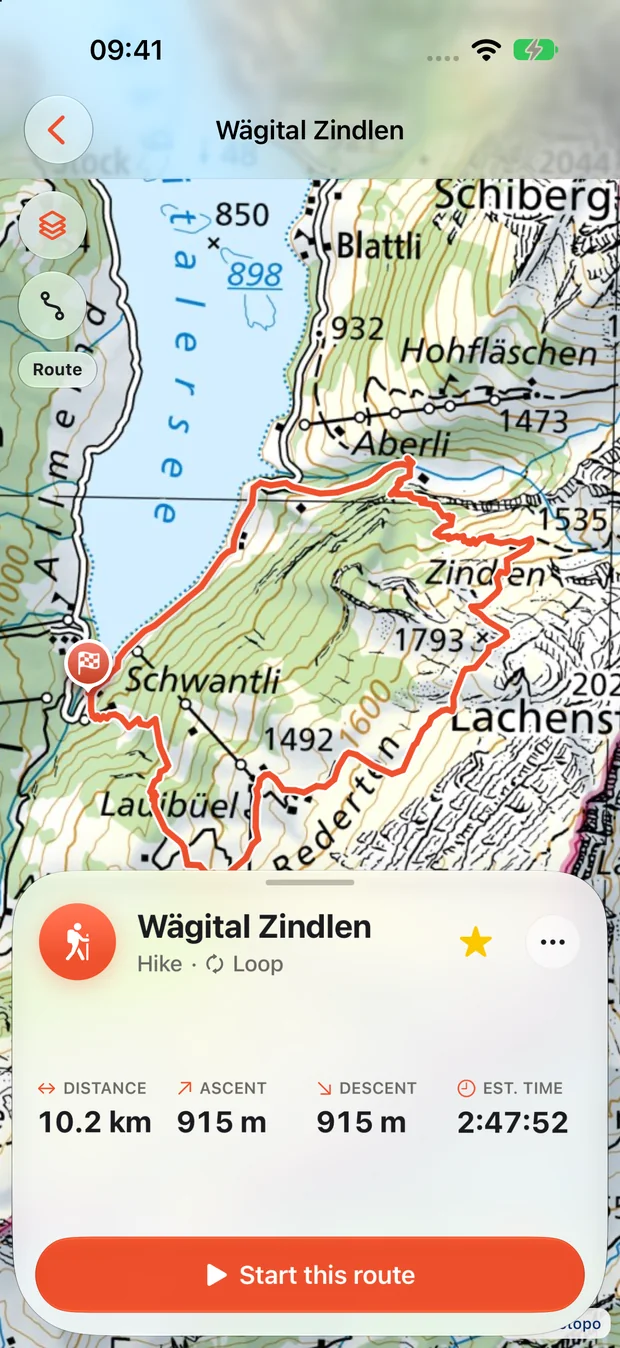
    Review the distance and elevation before heading out.

  3. 03

    Keep it for another day.

    Save the route, or import a file you already know.

New route calculations need a connection. Estimates help you plan; conditions on the ground still decide the day.

Actual XPLO saved-route overview showing the published Wägital Zindlen route, distance and ascent.
Actual XPLO capture · published Wägital Zindlen route.

Places along the way

The small stops
make the day.

Water for the next climb. A picnic spot with a view. A toilet when you need one. Find useful places without losing sight of the route.

Place information comes from OpenStreetMap. Coverage varies; check access and opening times before relying on a stop.

Drinking water
Mountain huts
Picnic spots
Toilets
Explore all 17 place categories
  • Camping
  • Drinking water
  • Mountain huts
  • Viewpoints
  • Picnic spots
  • Shelters
  • Toilets
  • E-bike charging
  • Car charging
  • Parking
  • Fuel stations
  • Bike services
  • Groceries
  • Food & drink
  • Public transport
  • Pharmacies
  • Accommodation
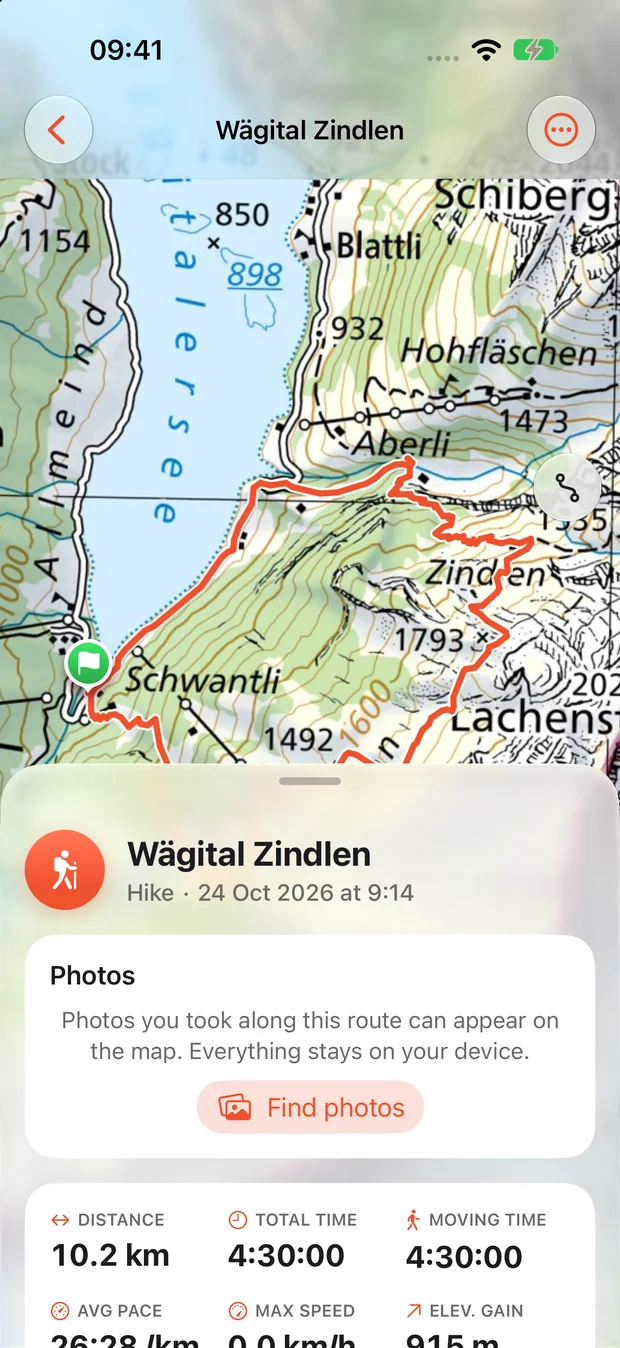
Actual XPLO activity details showing distance, time, elevation and a sample Wägital route.
Actual XPLO capture · sample Wägital activity.

02 / Activity recording

Keep a little
of the day.

The ride. The climb. The long way home.

Record the journey as it happens. Pause for the view, resume when you’re ready, and choose what to save at the end.

More than a line on a map.

Keep your track, distance, time and elevation together in your own activity library.

Ready to revisit.

Look back at the day, share a summary or export the track when you choose.

Seven ways to go

Hike · Walk · Run · Road ride · Gravel ride · Mountain bike · E-bike

03 / Mountain views

The skyline.
A little more familiar.

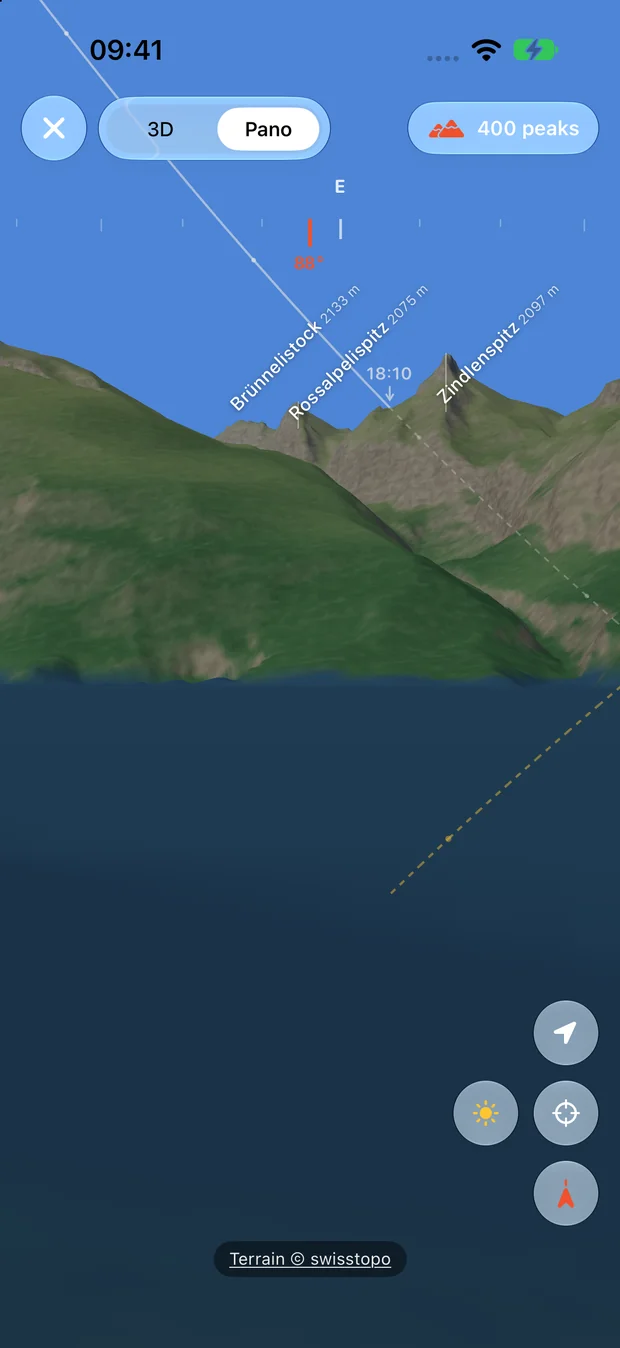
That peak across the valley has a name. Find it through the camera, explore the terrain, or follow the ridgeline in panorama.

01AR
Summit names over the camera view.
023D
Explore the terrain from another angle.
03Panorama
A shaded view of the surrounding skyline.

Terrain availability, location accuracy and compass calibration affect what you see. Mountain views are a visual aid, not a substitute for safe navigation.

Actual XPLO panorama of a sample Wägital viewpoint, with labelled summits including Zindlenspitz.
Actual XPLO panorama · sample Wägital viewpoint.

04 / The useful things

Thought through.
For the way you go.

Prepare before you leave. Bring the connections you want. Let a good route travel further.

Offline map areas

A little less signal.
A little more prepared.

Download a supported map area before you leave. Choose the source and available layers, then check the finished coverage.

Switzerland · Austria · France · Germany. New routing, weather and new downloads still need a connection.

Watch, Health & sensors

Your rhythm.
Your connections.

Record with the Apple Watch companion. Choose to import supported Health workouts and their available GPS routes, or save a finished XPLO workout to Health.

Health read and write access are separate permissions. Compatible Bluetooth heart-rate, speed, cadence and power sensors are optional.

Import & export

A good route
can travel further.

Bring a route from a file. Send a saved track or course to another compatible app or device when you choose.

Import GPX, KML, KMZ and GeoJSON. Export GPX tracks or FIT and TCX courses. Supported fields vary by format and destination.

Conceptual illustrations explain the features; they are not navigation maps or app screens.

Your own library

Your days outside.
Your choice of connections.

Saved routes, activities and imported Health data live on your device. No XPLO account. You choose when to allow Health, share a file or connect a sensor.

Maps, routing, weather, places and purchases still use online providers. This release has no iCloud library sync; export important records.

Privacy, in plain language

Your next chapter

Try the whole toolkit.
Find your own outside.

30 days free. An optional lifetime purchase to keep Premium. No subscription or automatic charge.

Explore XPLO Premium App Store release in preparation